
Downloads
Wallpaper
 |
 |
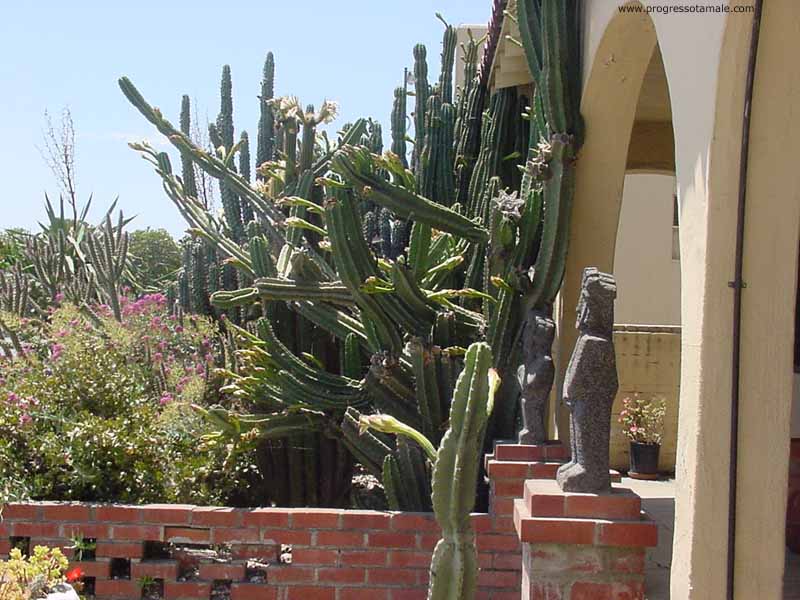
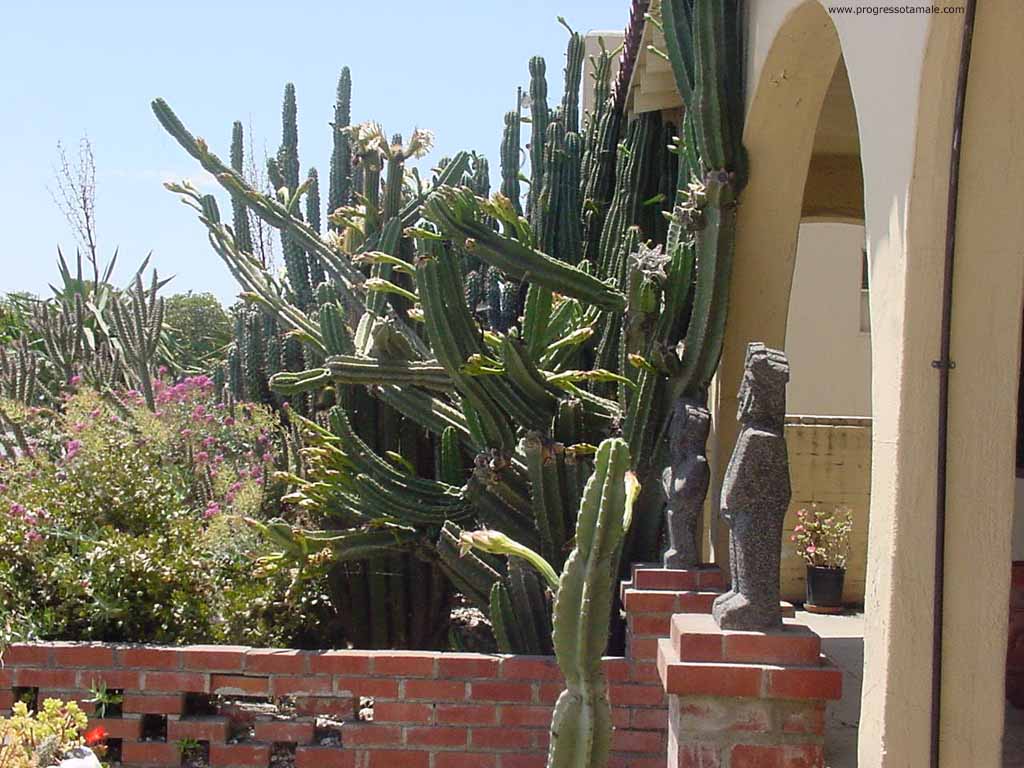
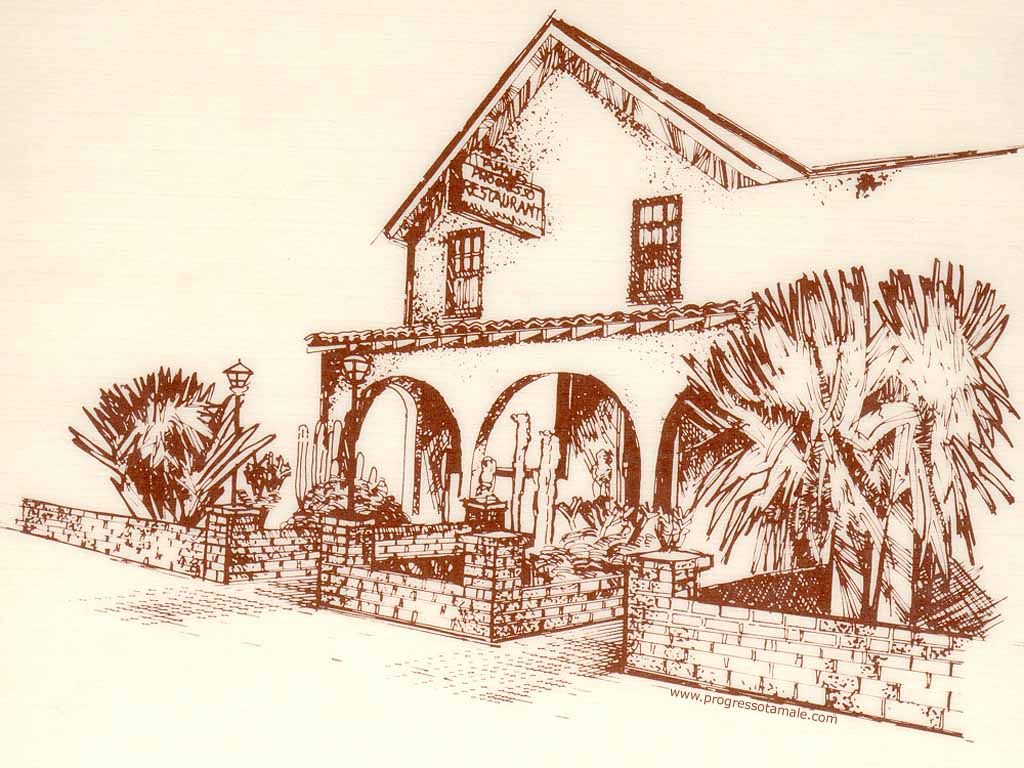
Download Instructions
To install the wallpaper on your Windows computer desktop, do the following:
- Click on the desktop size for the photo you want. These files are large so please allow sufficient download time.
- After the file loads in your browser, right-click with your mouse on the image and select "Set as wallpaper" or "Set as background".